
 Kompass
Design Concepts
Kompass is built on Sugarcoat🍬, inheriting a lightweight, expressive, and event-driven architecture for designing ROS2-based systems.
At the core of Kompass is the Component, a “super-sweetened” version of the standard ROS2 lifecycle node. By standardizing execution, health monitoring, and data flow, Kompass allows you to build navigation stacks that are not just modular, but reactive and self-healing.
The following sections outline the five pillars of the Kompass design.
1. The Component: Smart Execution unit
The Component is the atomic unit of logic in Kompass. Unlike a standard node, a Component manages its own lifecycle, validates its own configuration, and reports its own health.
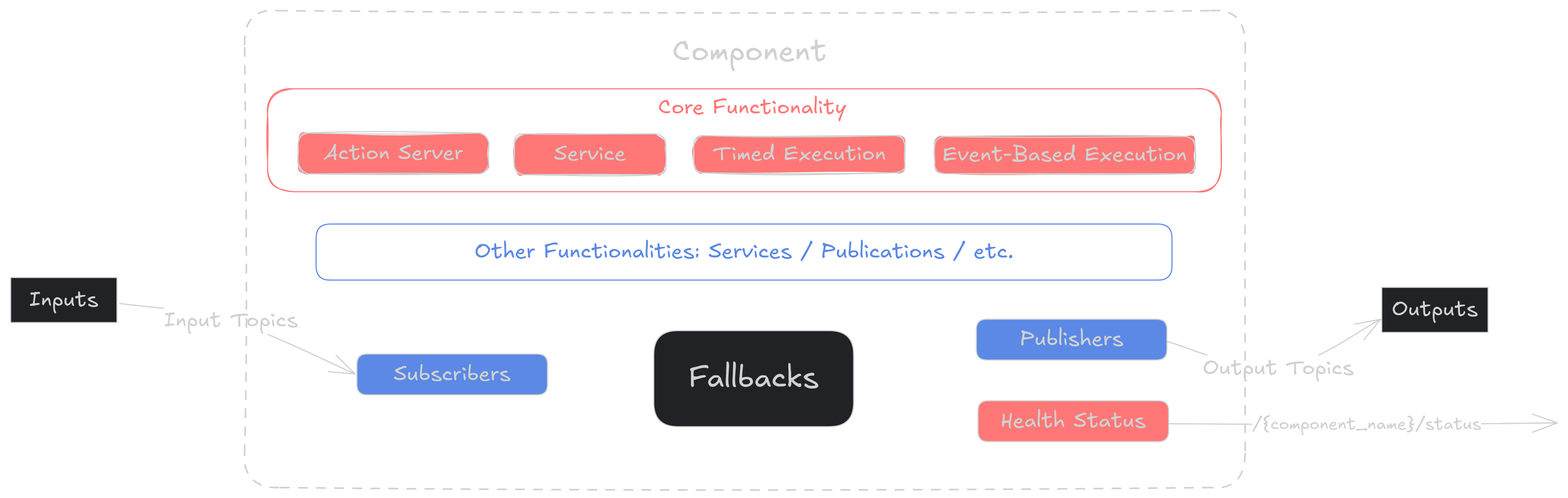
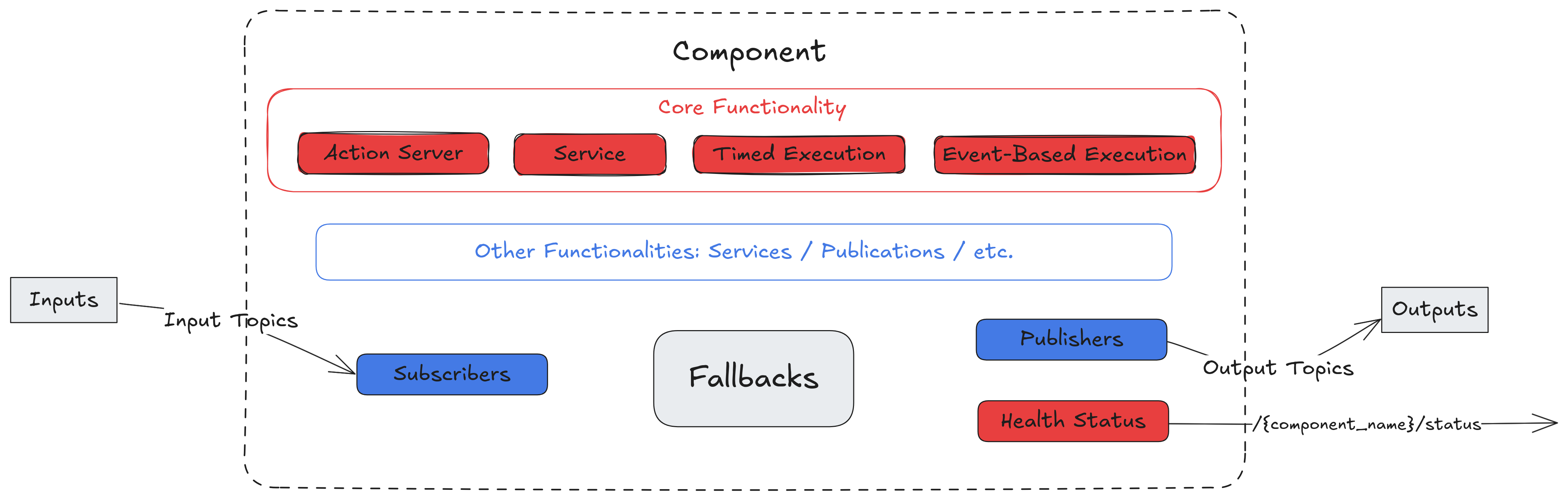
Component Structure
2. Standardized Inputs & Outputs
Components communicate through defined Inputs/Outputs, allowing you to easily specify the ROS2 topics that connect different parts of your system.
To ensure that different navigation components (planners, controllers, mappers) snap together effortlessly, Kompass communicates through Standardized I/O Keys. Crucially, each key supports multiple message types, providing extra flexibility and out-of-the-box configuration for your data pipelines.
Each Input/Output key is governed by:
Allowed Types: Ensures data compatibility by strictly defining which message classes are accepted (e.g., a map input only accepting
OccupancyGrid, or a position input can accept both ‘Pose’ andPoseStampedmessages).Cardinality: Defines the topology of the connection—specifically, if a stream is mandatory and how many sources are allowed (e.g., “Requires exactly 1 Odometry source” or “Accepts up to 3 PointCloud sources”).
See also
See a complete list of the Inputs/Outputs keys in Kompass stack along with configuration examples here
3. Active Resilience: Health & Fallbacks
Robots operate in unpredictable environments. Kompass components are designed to handle failures gracefully rather than crashing the whole stack.
Self-Monitoring (Health Status)
Every component continuously introspects its state and broadcasts a Health Status. This allows the system to distinguish between a crashing driver and a path planning algorithm that simply can’t find a route.
The following health codes help diagnose issues at different layers—from algorithmic faults to systemic problems—allowing fine-grained fault handling and robust navigation behavior:
Status Code |
Description |
|---|---|
0 |
Running - Healthy |
1 |
Failure: Algorithm Level |
2 |
Failure: Component Level |
3 |
Failure: System Level |
4 |
Failure: General |
Automatic Recovery (Fallbacks)
Why wake up a human when the robot can fix itself? Components are configured with Fallback behaviors. When a specific Health Status level is reported, the component automatically triggers user-defined Actions—such as re-initializing a driver, clearing a costmap, or switching to a recovery behavior—without manual intervention.
4. Dynamic Orchestration: Events & Actions
Static navigation stacks are brittle. They struggle to handle edge cases like sensor failures, sudden dynamic obstacles, or low-battery emergencies without hard-coded, nested conditional logic.
Kompass’s Event-Driven Architecture give the navigation stack “reflexes.” It decouples Perception (Events) from Decision Making (Actions), allowing the robot to adapt to changing contexts in real-time through configuration, not code.
Static navigation stacks are brittle. Kompass uses an Event-Driven Architecture to adapt to changing contexts in real-time.
Events (Contextual Triggers)
An Event monitors data streams (ROS2 topics) to detect specific conditions. Unlike simple callbacks, Kompass Events allow for Logical Composition and Sensor Fusion directly in the trigger definition.
Using the new API, you can define complex navigational reflexes with:
Logical Composition: Combine conditions using Pythonic syntax (&, |, ~). Example: “If (Lidar detects obstacle) AND (Robot is in fast mode)…”
Multi-Topic Blackboard: Fuse internal state with external perception. Example: “If (Battery is Low) AND (Distance to Dock > 50m)…”
Data Freshness: Ensure safety by ignoring stale sensor data using data_timeout
Tip
Think in Behaviors. Events allow you to read the robot’s logic like a sentence: “If the terrain is rough AND the payload is heavy, THEN switch to conservative planning.”
Actions (Dynamic Responses)
Actions are the routines executed when an Event fires. In Kompass, Actions are dynamic and context-aware.
Using Dynamic Data Injection, Kompass can pass the data from Any Topic into the action arguments at runtime. This allows for generic, reusable recovery behaviors that adapt to the situation.
See also
Learn more about adding events/actions to your recipe here
5. Flexible Execution with Performance in Mind
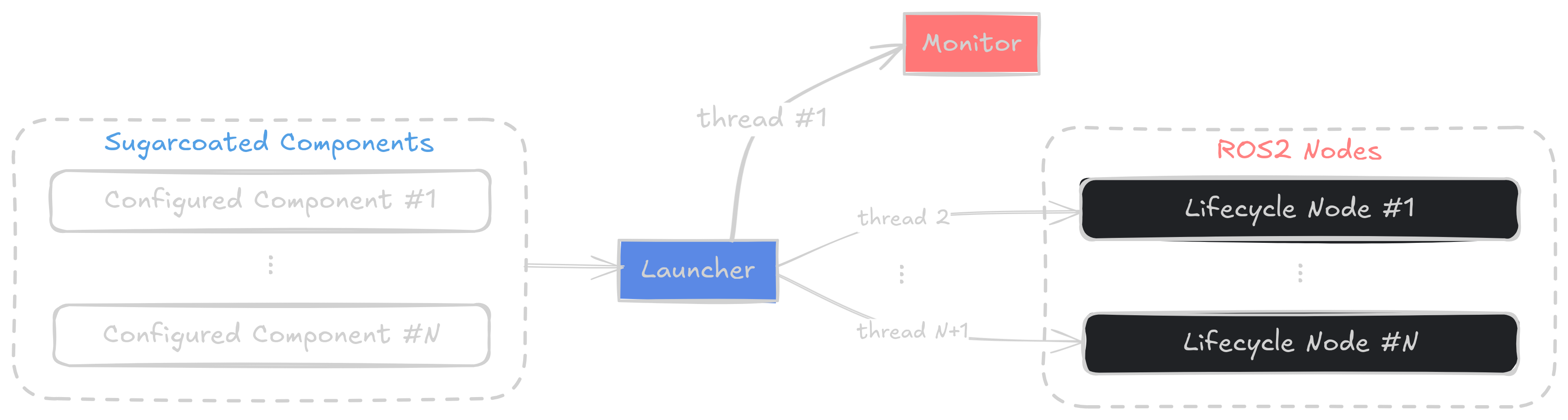
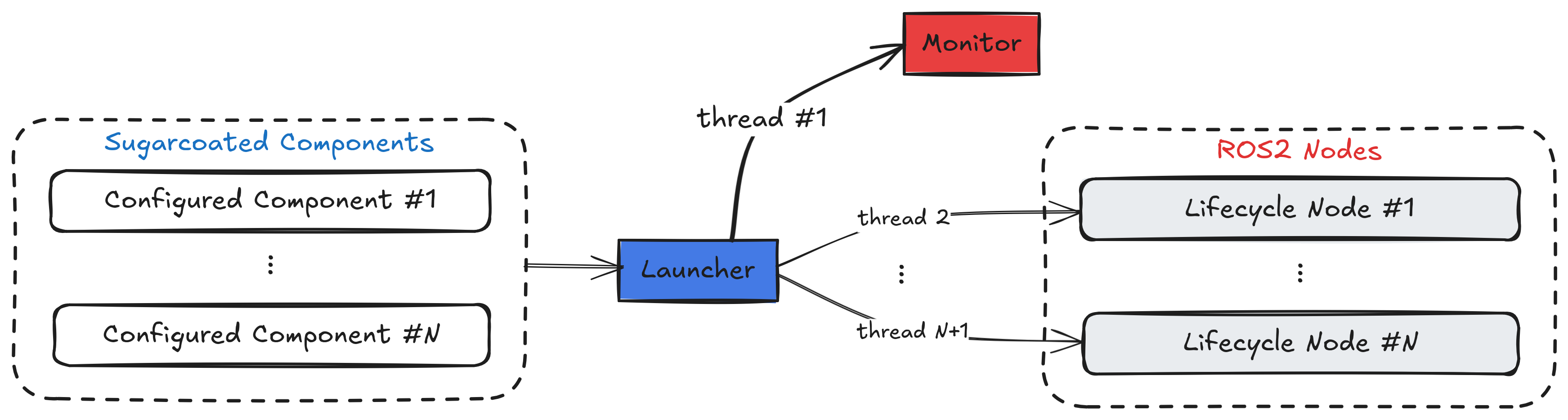
Kompass respects that different robots have different compute constraints. The Launcher allows you to orchestrate your entire stack with a simple Python API, choosing the execution model that fits your hardware:
Multi-threaded: Components run as threads in a single process. Ideal for low-latency communication via shared memory.
Multi-process: Components run in isolated processes. Ideal for stability (one crash doesn’t kill the system) and distributing load.
An internal Monitor runs alongside the stack, continuously supervising the state of components and the events being triggered—making the system self-aware and adaptable in real-time.


See also
Dive deeper into each of these architectural elements in Sugarcoat🍬 documentation